# ZI-SecurityIncident - Installation and Administration Guide
# Installation
### Requirements
- Zimbra 8.8.15
- ZI-LicenseSystem
##### ZI-LicenseSystem
Unpack installer archive file \*.tar.gz in /var/tmp/ (as root):
```
mv /root/ZI-LicenseSystem-x.x.tar.gz /var/tmp/
cd /var/tmp/
tar xzvf ZI-LicenseSystem-x.x.tar.gz
cd /var/tmp/ZI-LicenseSystem-x.x
```
Run installation script (as root):
```
perl ZI-Installer --instal-deps
```
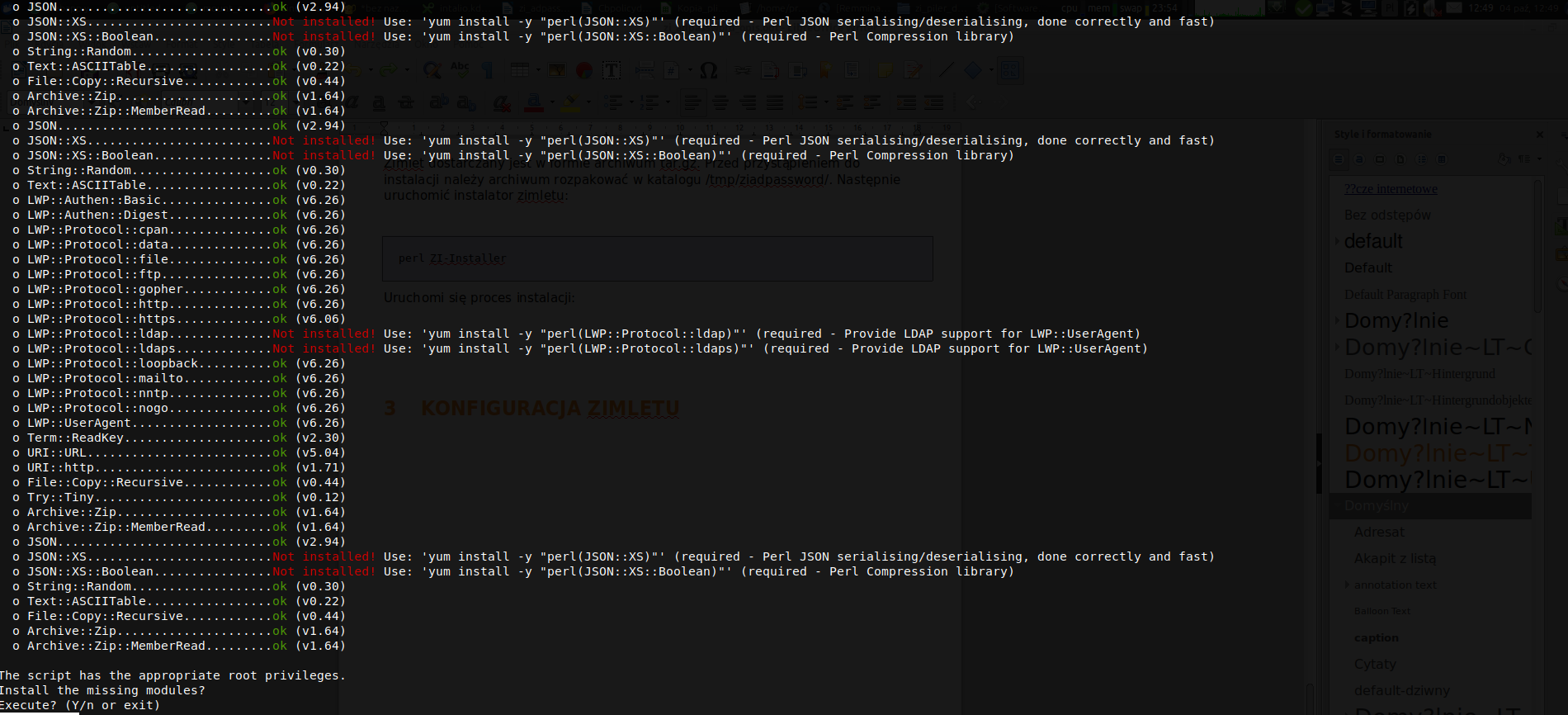
At the beginning required perl packages will be installed:
[](https://docs.intalioservices.com/uploads/images/gallery/2020-05/N6Wyd1fM7D7E78uA-screen1.png)
Answer: Y
[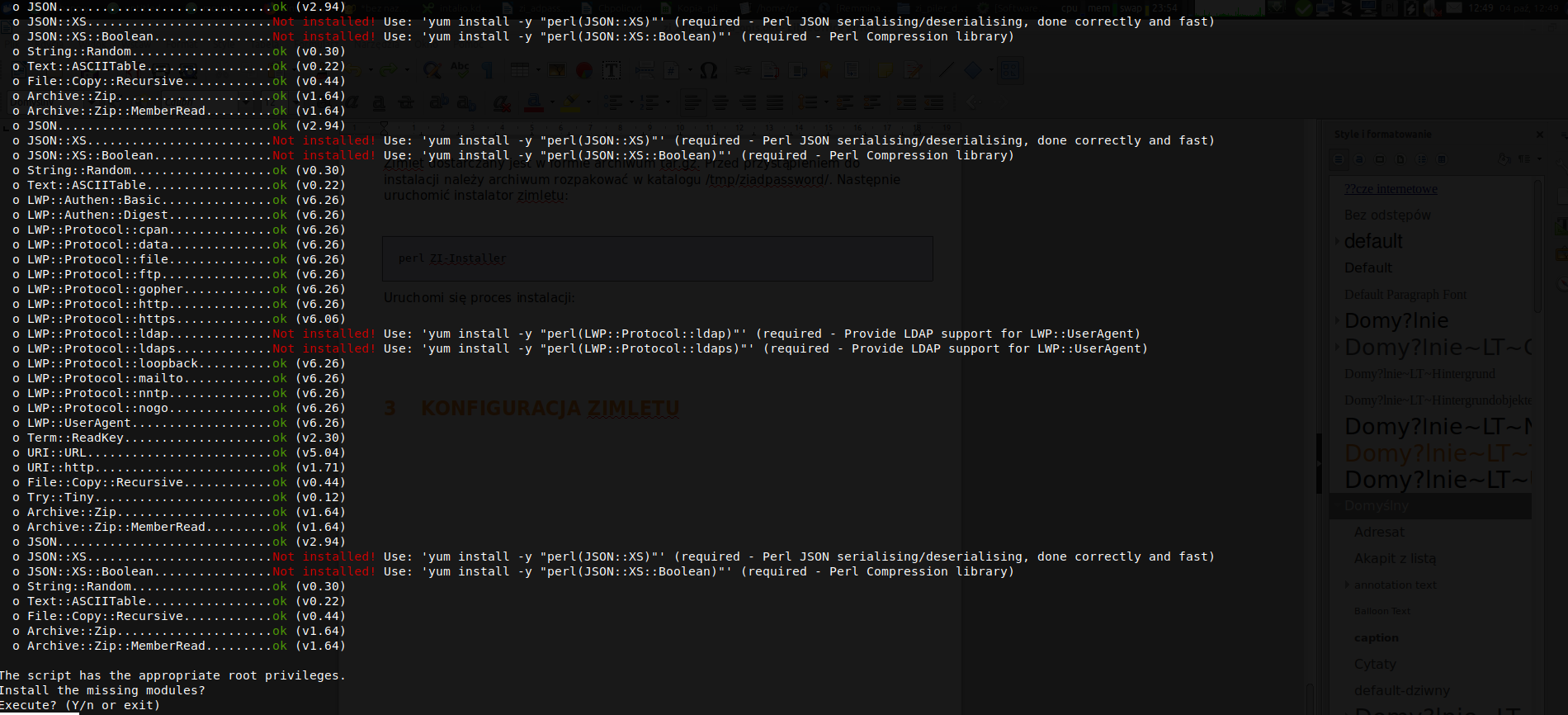](https://docs.intalioservices.com/uploads/images/gallery/2020-05/sQcgBGimobM4R20i-screen2.png)
Press: Y
[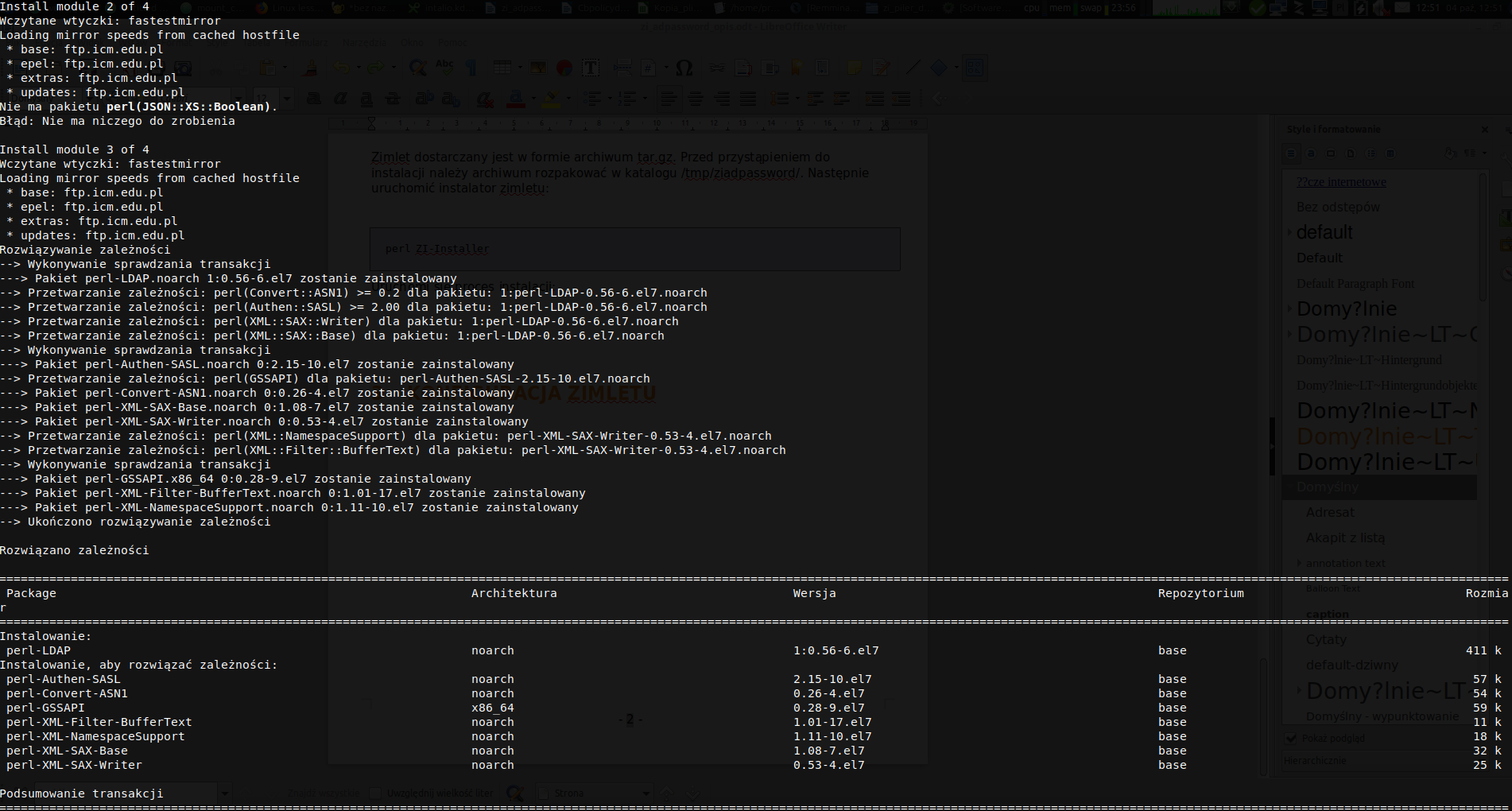](https://docs.intalioservices.com/uploads/images/gallery/2020-05/pdgeFk7I1RRvwH3L-screen3.png)
[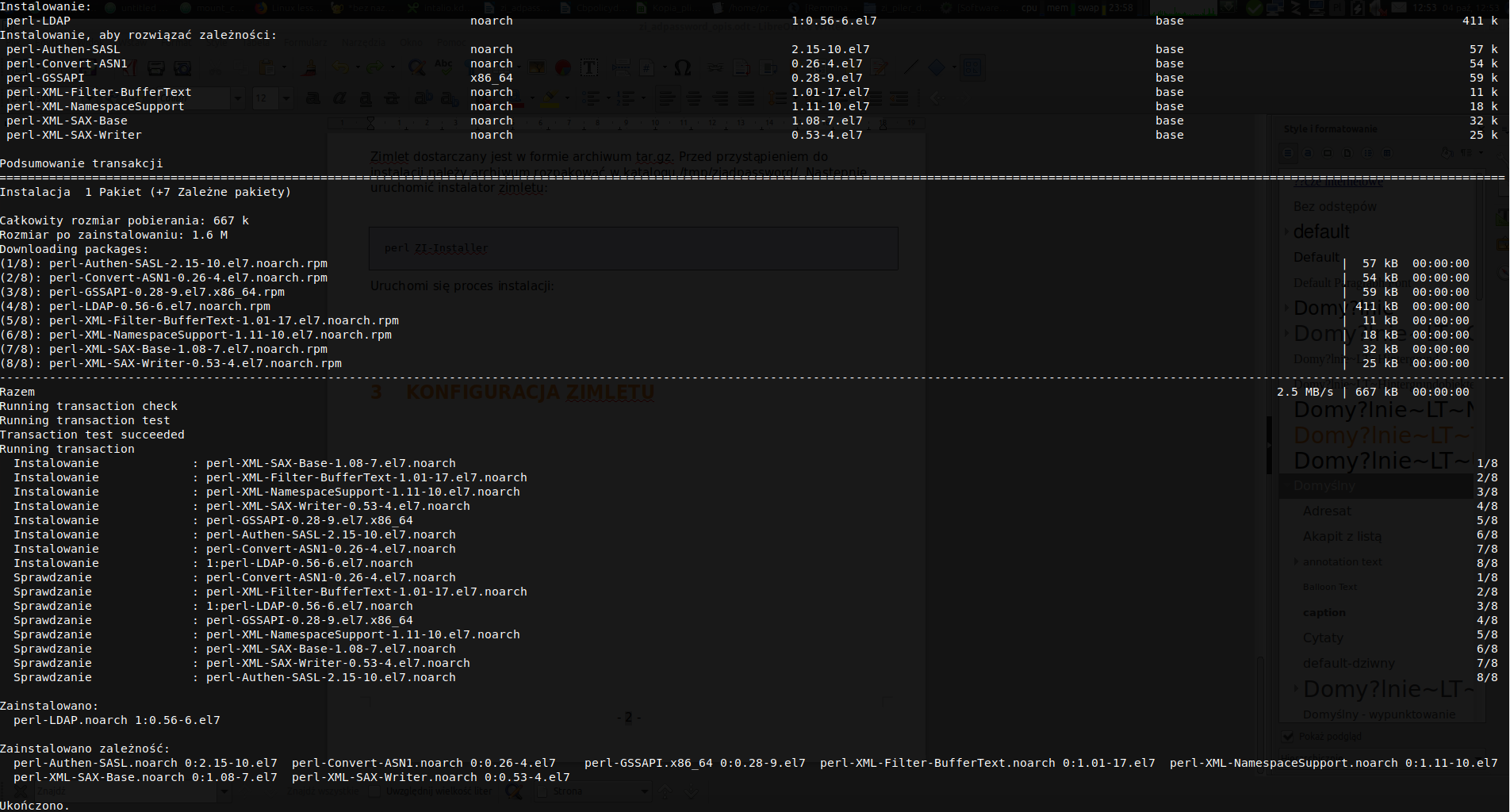](https://docs.intalioservices.com/uploads/images/gallery/2020-05/oVBvAHO0CWTi81U2-screen4.png)
[](https://docs.intalioservices.com/uploads/images/gallery/2020-05/40NYsP4taRQ28rev-screen5.png)
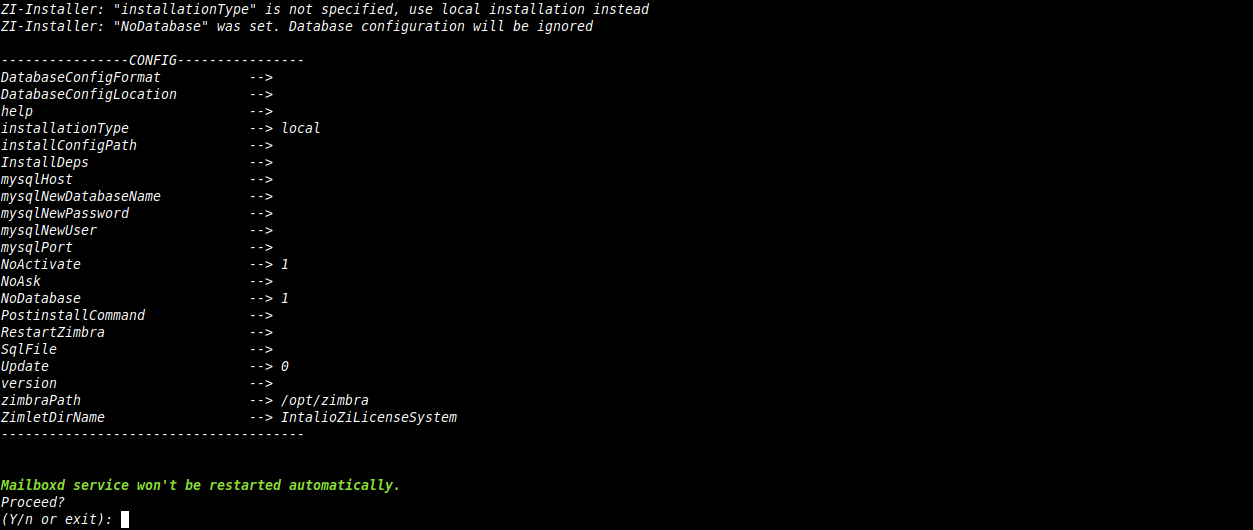
Answer: Y
[](https://docs.intalioservices.com/uploads/images/gallery/2021-04/B8xqTiyvc0nDKc68-install-screen1.png)
Answer: Y
[](https://docs.intalioservices.com/uploads/images/gallery/2020-05/0ohqYIT6qzwd5VKn-screen9.png)
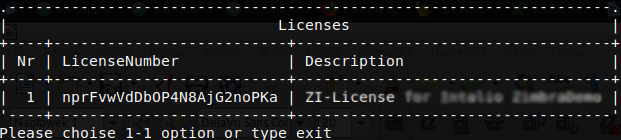
Enter login and password received with the license.
[](https://docs.intalioservices.com/uploads/images/gallery/2020-05/poX23plo9i4zsARN-screen10.png)
Choose: 1
[](https://docs.intalioservices.com/uploads/images/gallery/2021-04/mbFbDHtXJiu0kgLY-install-screen2.png)
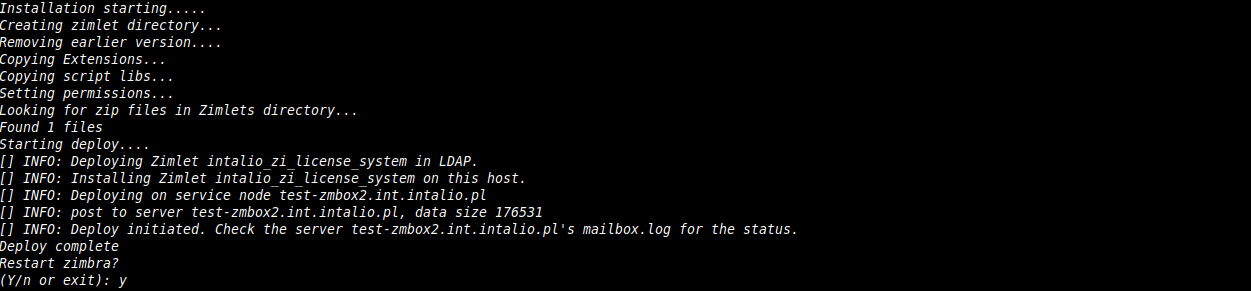
Choose: Y
If You answer Y, the zimbra mailbox will be restarted
After the mailbox restart, zimlet should be installed. Now, ZI-SecurityIncident can be installed.
ZI-LicenseSystem must be installed on all mailboxes
##### Zi-SecurityIncident
Unpack installer archive file \*.tar.gz in /var/tmp/ (as root):
```
mv /root/ZI-SecurityIncident-x.x.tar.gz /var/tmp/
cd /var/tmp/
tar xzvf ZI-SecurityIncident-x.x.tar.gz
cd /var/tmp/ZI-SecurityIncident-x.x
```
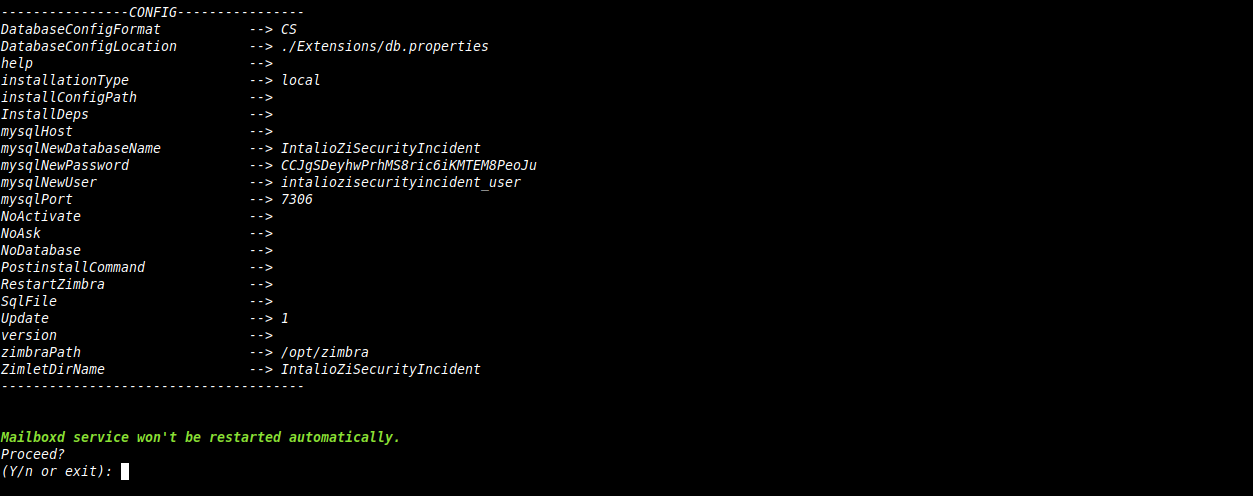
Run installation script (as root):
```
perl ZI-Installer --instal-deps
```
[](https://docs.intalioservices.com/uploads/images/gallery/2021-04/VqeCactsRCwVz55m-zisecurity-install-screen1.png)
Type: Y
# Configuration
Log in to the Zimbra Administration Console. The ZI-SecurityIncident configuration panel is available on **Main Page -> Migration and tools -> ZI-SecurityInciden**
**[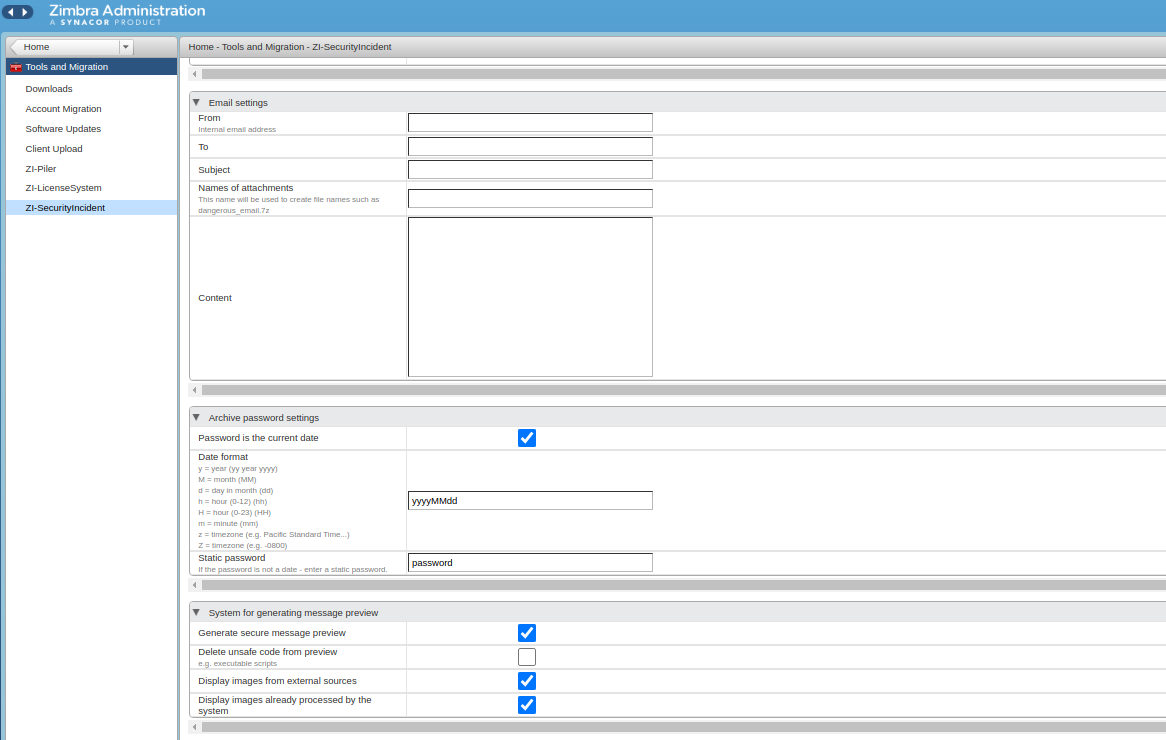](https://docs.intalioservices.com/uploads/images/gallery/2021-04/7WcGELskAd6pzxln-admin-panel.png)**
##### **Email settings**
- **From** - sender of the notification email
- **To** - recipient of the notification email
- **Subject** - subject of the notification email
- **Names of attachments** - names of the unsafe attachments
- **Content** - content of the message
##### **Archive password settings**
- **Password is the current date** - password of the zipped attachment is the date of the received message
- **Date format**
- **Static password** - password of the zipped attachment when option **Password is the current date** is unchecked
##### **System for generating message preview**
- **Generate secure message preview** - if set, unsafe message is converted to pdf
- **Delete unsafe code from preview** - if set, unsafe code is removed from preview
- **Display images from external sources** - if set, images from external sources will be included in the processed message
- **Display images already processed by the system** - if set, images in message will be processed