# Installation
Unpack installer archive file \*.tar.gz in /var/tmp/ (as root):
```
mv /root/ZI-Piler-x.x.tar.gz /var/tmp/
cd /var/tmp/
tar xzvf ZI-Piler-x.x.tar.gz
cd /var/tmp/ZI-Piler-x.x
```
Run installation script (as root):
```
perl ZI-Installer --instal-deps
```
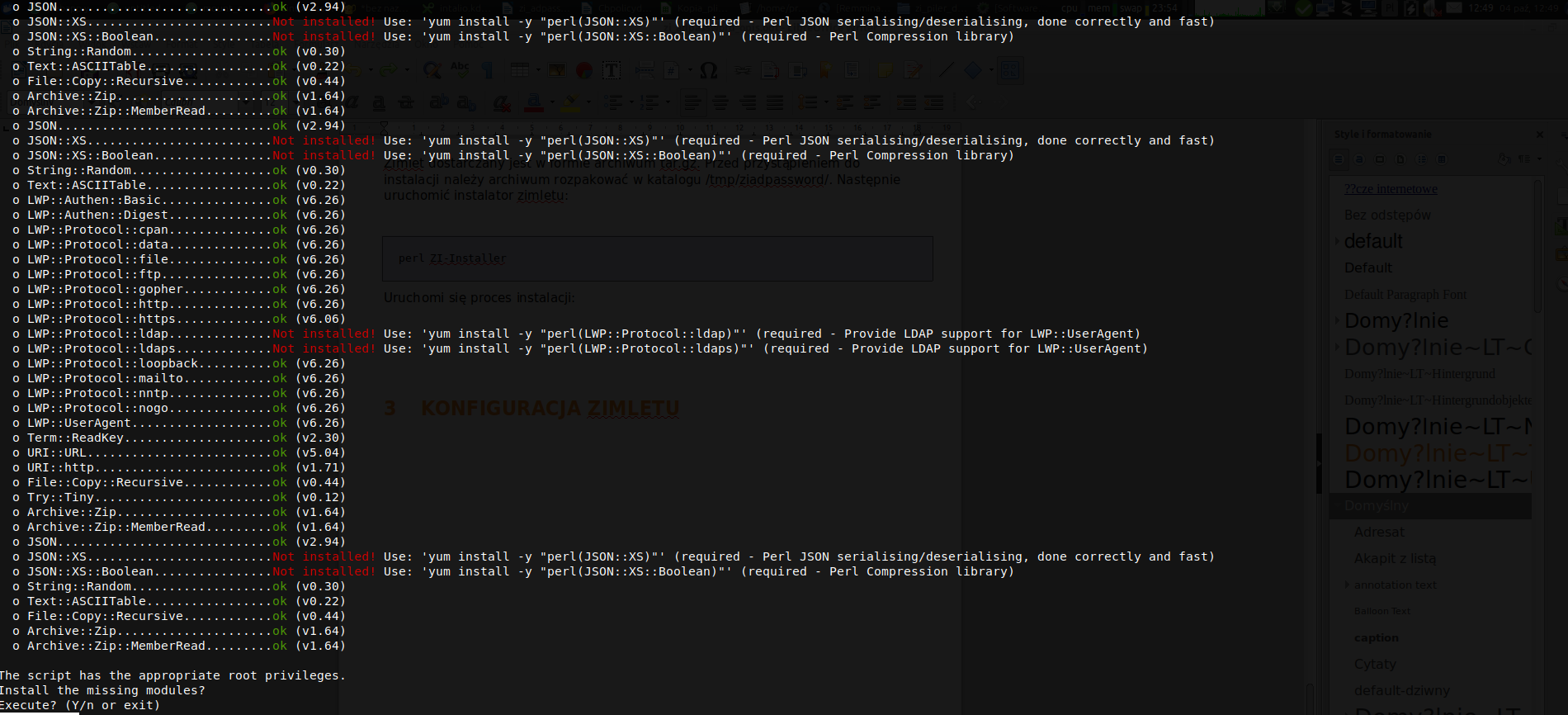
At the beginning required perl packages will be installed:
[](https://docs.intalioservices.com/uploads/images/gallery/2020-05/N6Wyd1fM7D7E78uA-screen1.png)
Answer: Y
[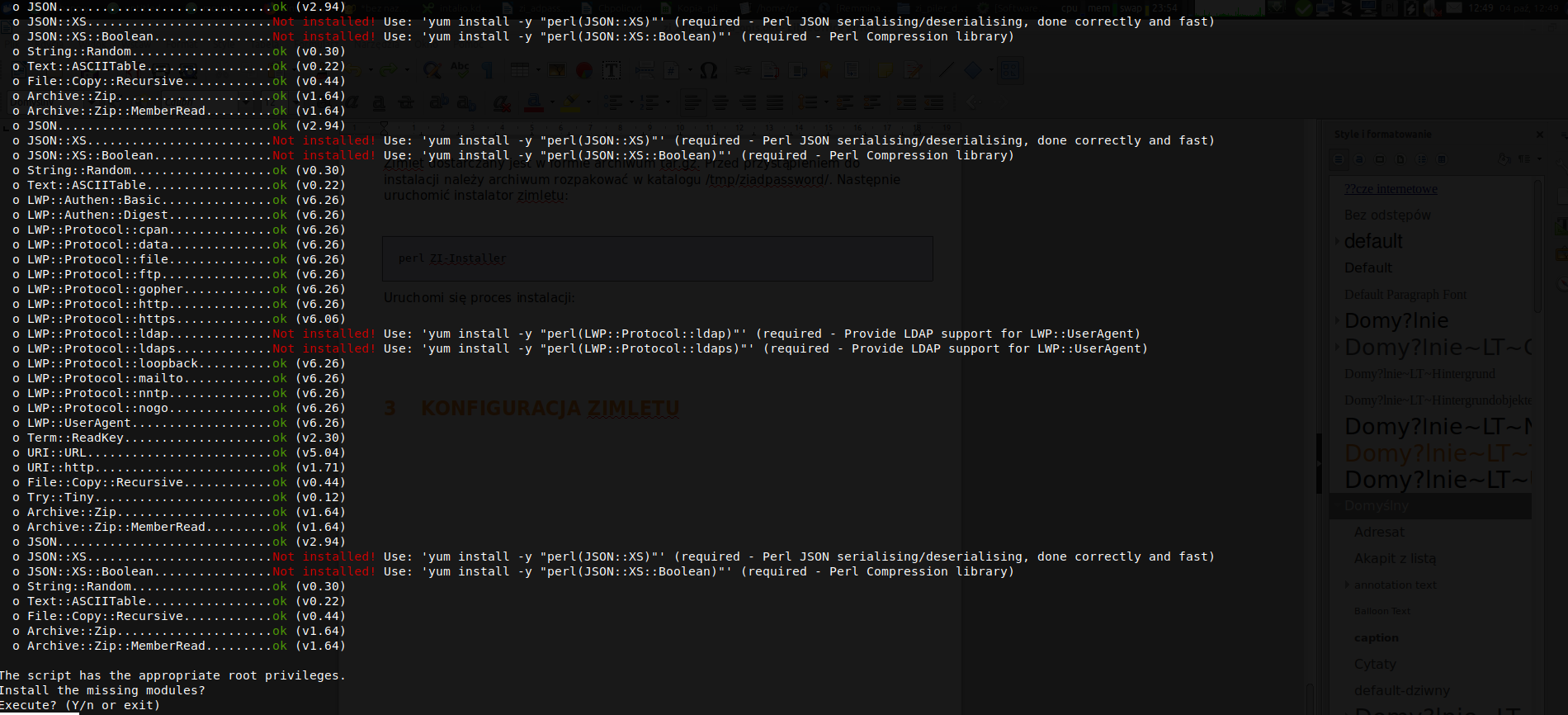](https://docs.intalioservices.com/uploads/images/gallery/2020-05/sQcgBGimobM4R20i-screen2.png)
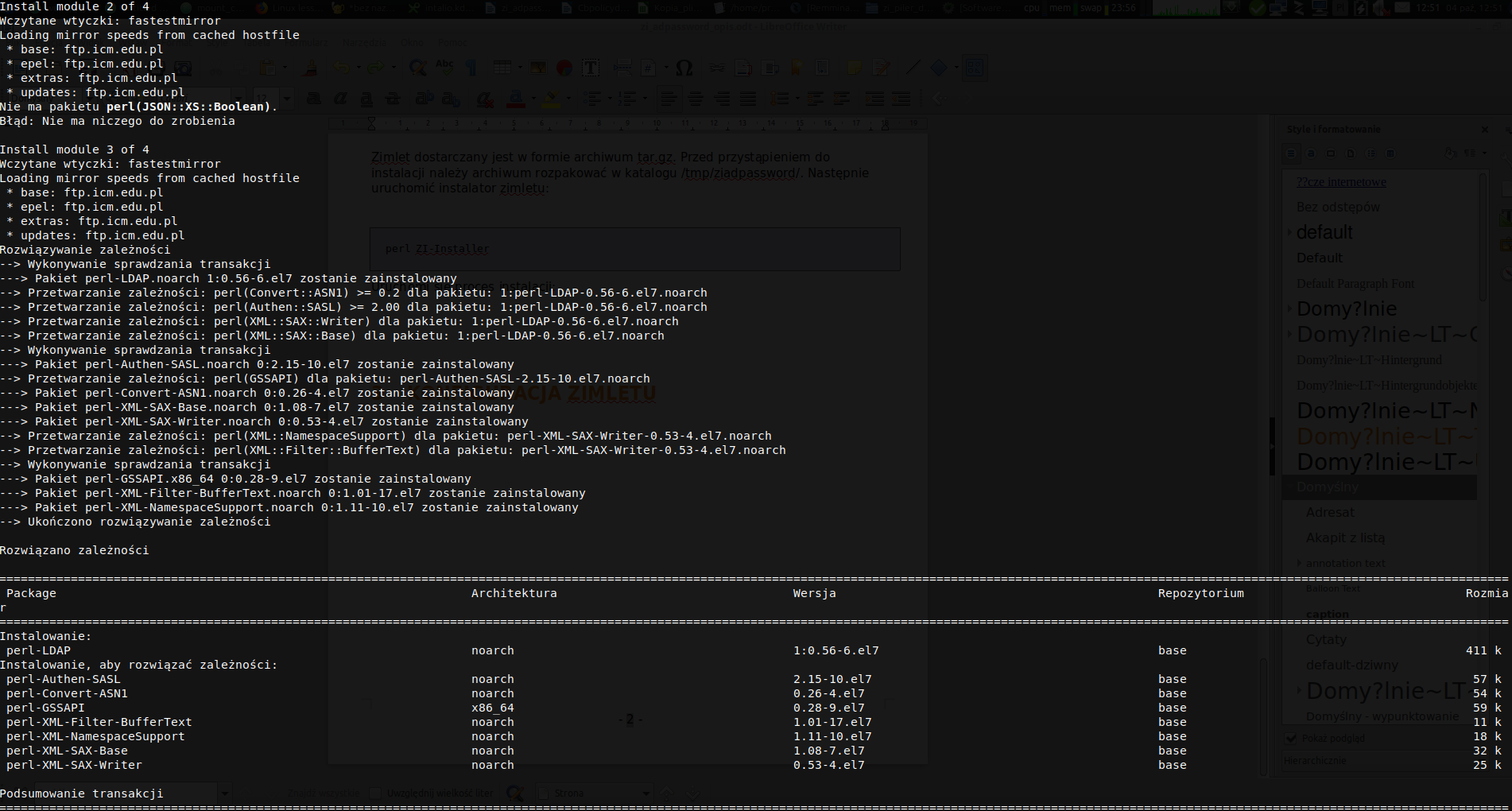
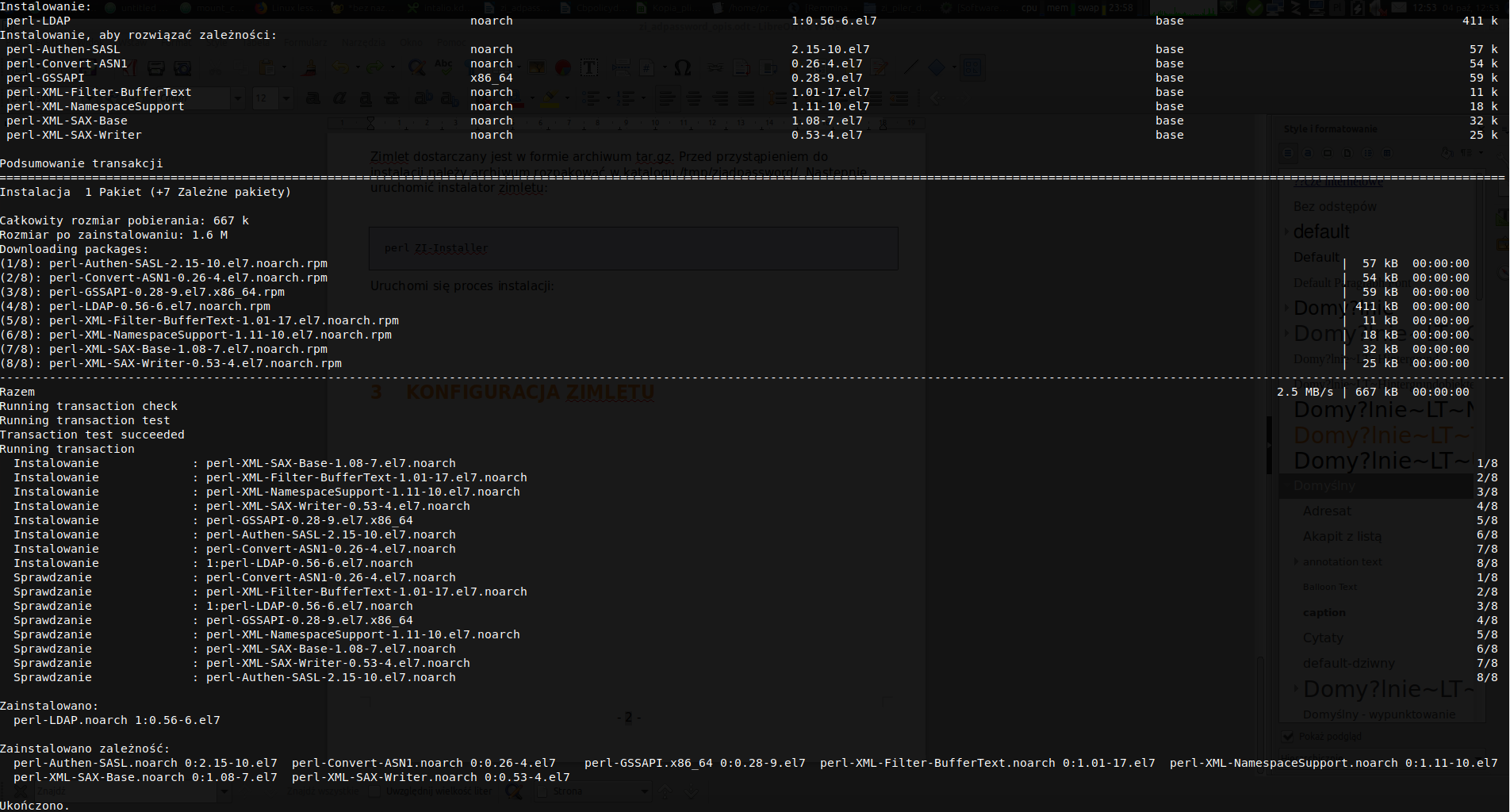
Press: Y
[](https://docs.intalioservices.com/uploads/images/gallery/2020-05/pdgeFk7I1RRvwH3L-screen3.png)
[](https://docs.intalioservices.com/uploads/images/gallery/2020-05/oVBvAHO0CWTi81U2-screen4.png)
[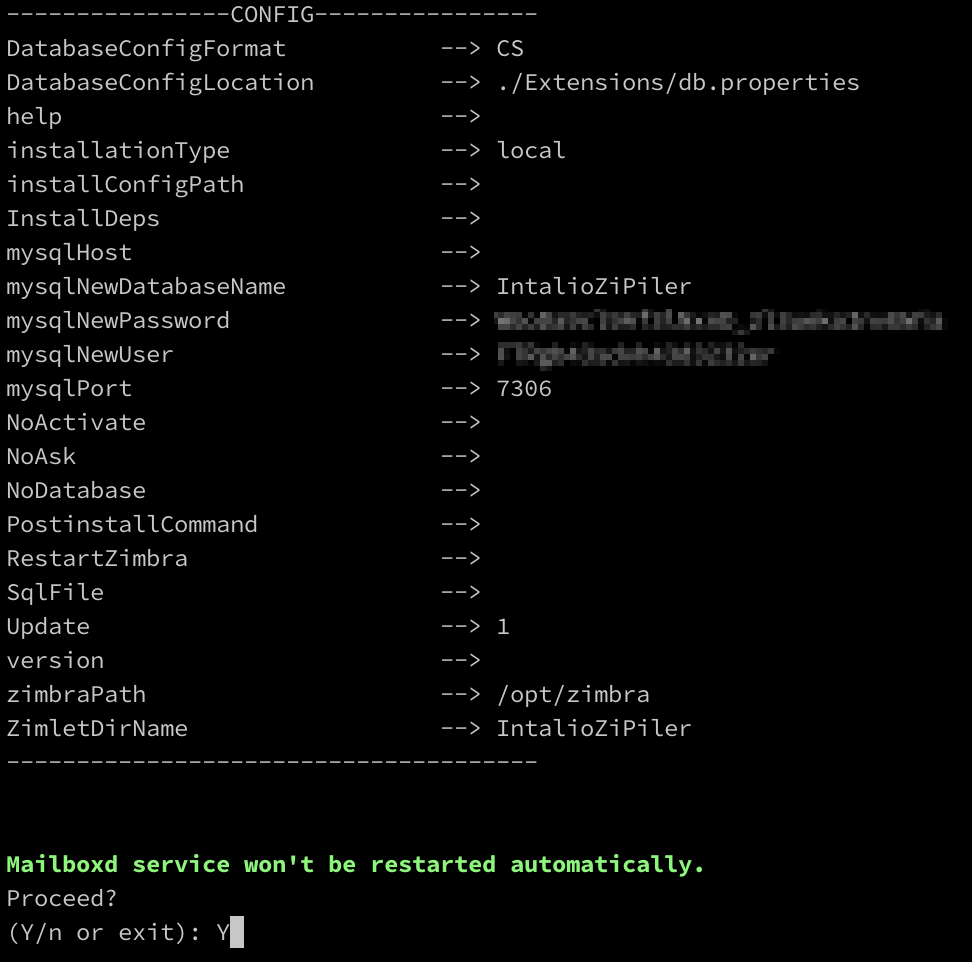](https://docs.intalioservices.com/uploads/images/gallery/2020-06/WrFnAGveRarC2ljX-restartZimbra.png)
Answer: Y
[](https://docs.intalioservices.com/uploads/images/gallery/2020-06/C29Tz8Win7yZatV5-loginpanel.png)
Enter login and password received with the license.
[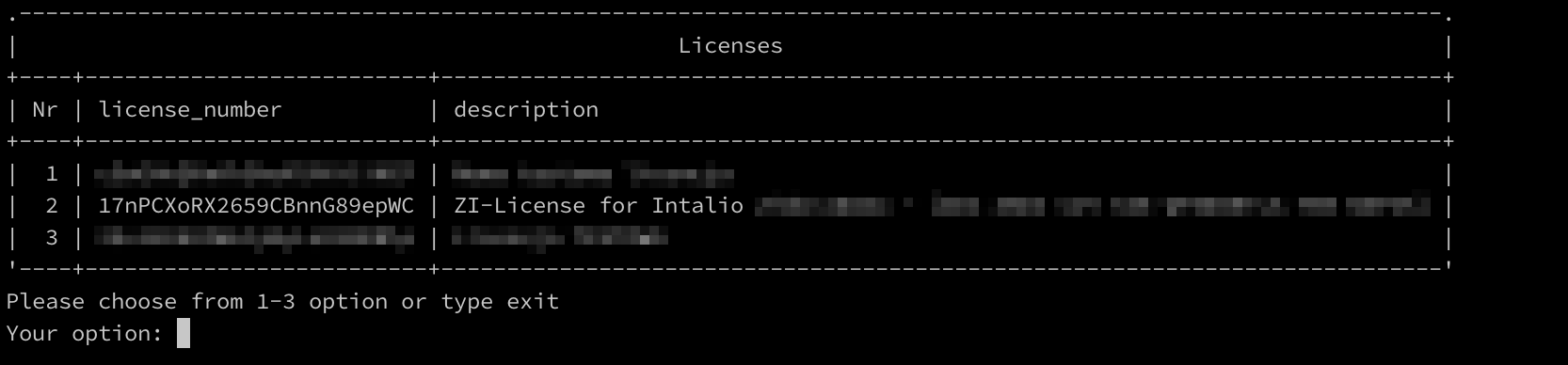](https://docs.intalioservices.com/uploads/images/gallery/2020-06/a03NMawhnp1OgcTm-selectlicense.png)
Choose your license: 2
[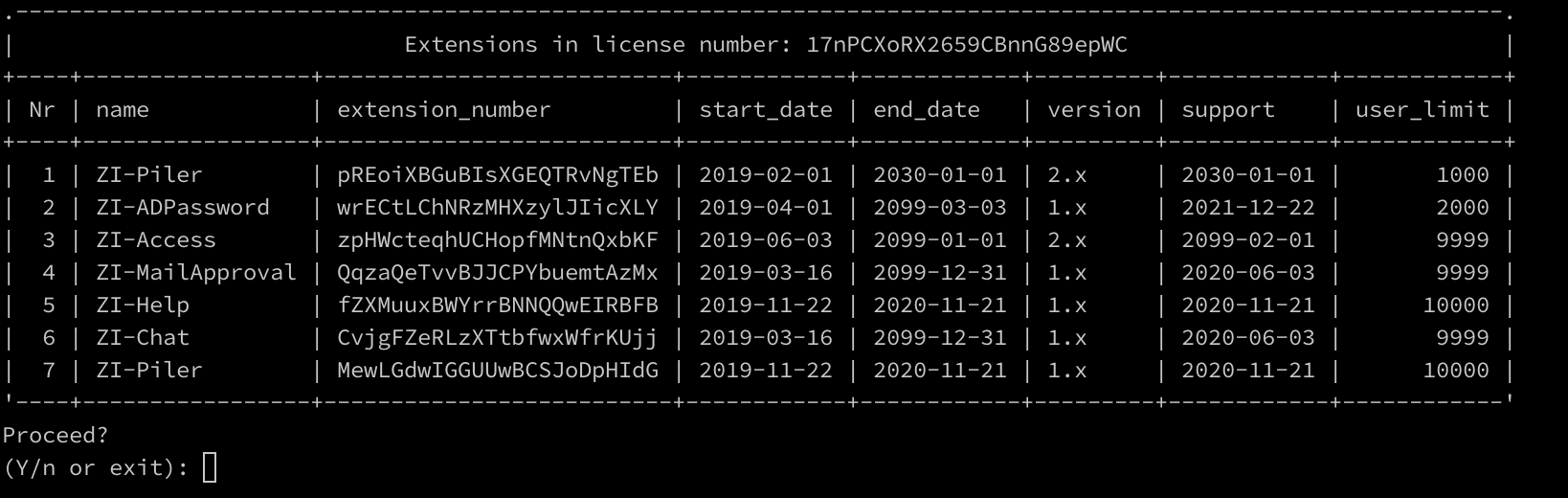](https://docs.intalioservices.com/uploads/images/gallery/2020-06/NeNnw5rAjRmG3yht-extensionLicense.png)
Choose: Y
[](https://docs.intalioservices.com/uploads/images/gallery/2020-06/LWmh6LliqXWXYkJD-restartZimbraFinish.png)
Choose: Y
If You answer Y, the zimbra mailbox will be restarted
After the mailbox restart, zimlet shoul be installed. To check it, login into the Panel Admin in Your ZCS Server and see Panel Administrator > Migration and tool > ZI-License. There should be informations about granted licenses.
In case of the **multi server** instalation, zimlet must bu installed on **every mailbox.**
Remeber to restart all mailboxes (as zimbra):
`zmmailboxdctl restart`