# Installation
Unpack installer archive file \*.tar.gz in /tmp/ (as root):
```
tar xvzf ZI-MailApproval-1.6.tar.gz
cd ZI-MailApproval-1.6/
perl ZI-Installer
```
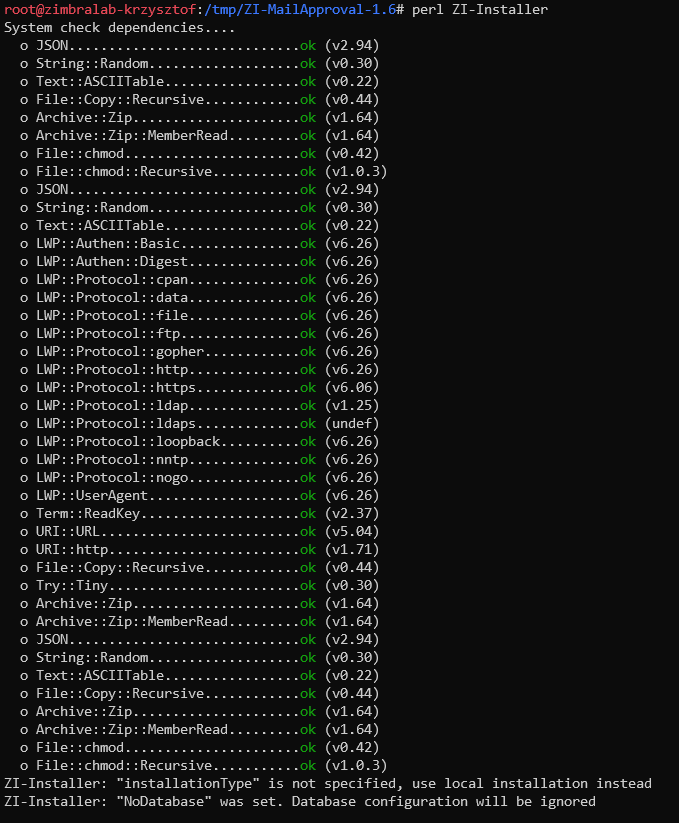
At the beginning required perl packages will be checked and installed if necessary:
[](https://docs.intalioservices.com/uploads/images/gallery/2021-08/PDfzNuaVyKGOCEij-image-1630419827753.png)
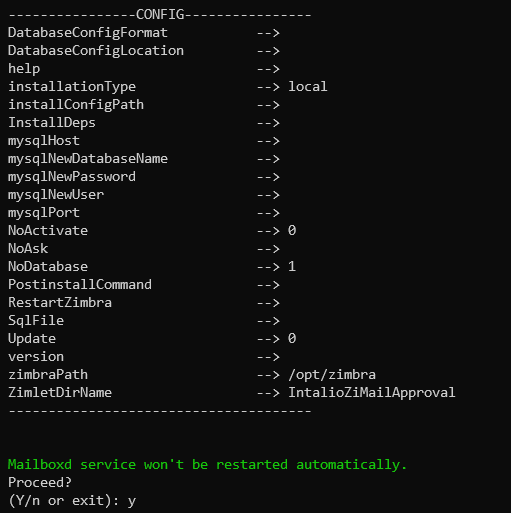
Then script will display configuration summary:
[](https://docs.intalioservices.com/uploads/images/gallery/2021-08/6H0nIyqCXquxbQv4-image-1630419957014.png)
Answer: Y
[](https://docs.intalioservices.com/uploads/images/gallery/2021-08/LqR6vYUG6ntwMzYH-image-1630420018413.png)
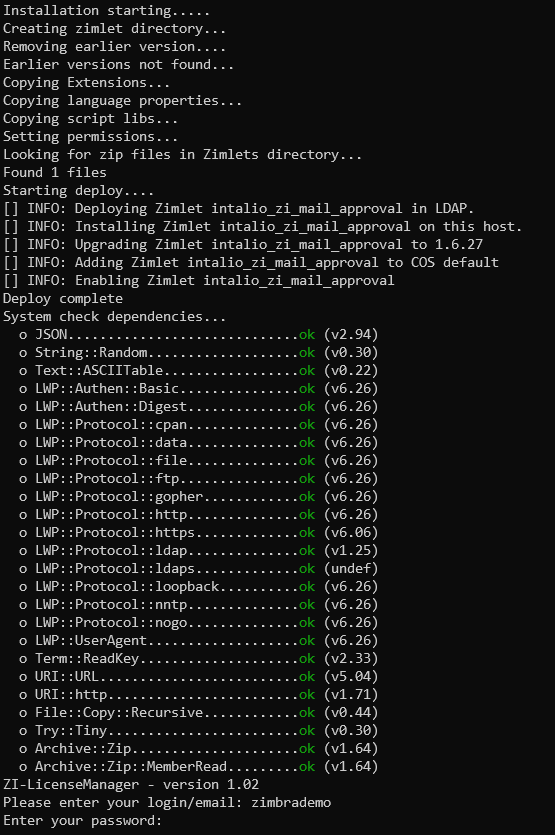
Enter login and password received with the license.
[](https://docs.intalioservices.com/uploads/images/gallery/2021-08/bD2bVYGAlKL8Y06w-image-1630420992048.png)
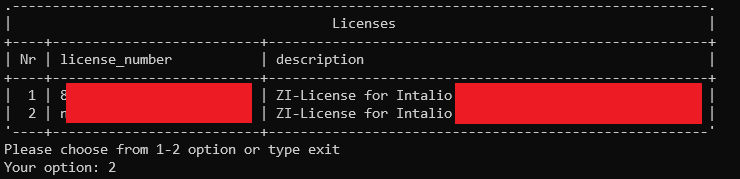
Choose your license.
[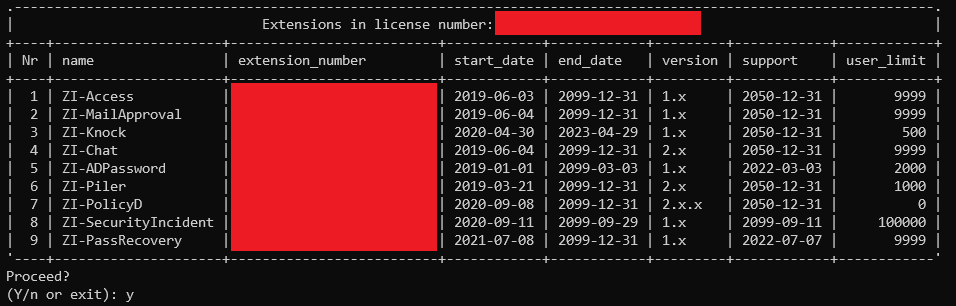](https://docs.intalioservices.com/uploads/images/gallery/2021-08/qY15eiNizlaCAmHX-image-1630421074286.png)
Choose: Y
[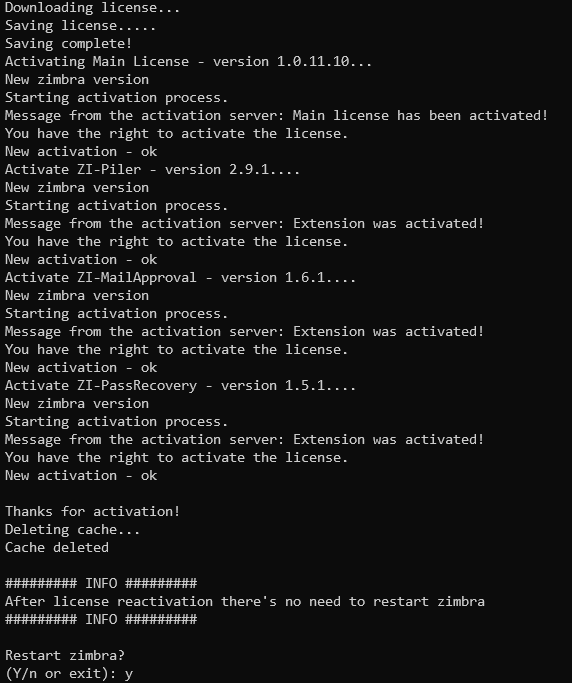](https://docs.intalioservices.com/uploads/images/gallery/2021-08/AIpfZizAhjVoNLnE-image-1630421121212.png)
Choose: Y
If You answer Y, the zimbra mailbox will be restarted
[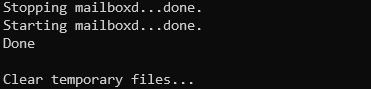](https://docs.intalioservices.com/uploads/images/gallery/2021-08/G02pnrlrOoDus8Yy-image-1630421205274.png)
After the mailbox restart, zimlet should be installed. To check it, login into the Panel Admin in Your ZCS Server and see Panel Administrator > Migration and tool > ZI-License. There should be information about granted licenses.
In case of the **multi server** instalation, zimlet must be installed on **each mailbox.**
Remeber to restart all mailboxes (as zimbra):
`zmmailboxdctl restart`