Please make sure that the Intalio Router package is already installed in your system before proceeding further!
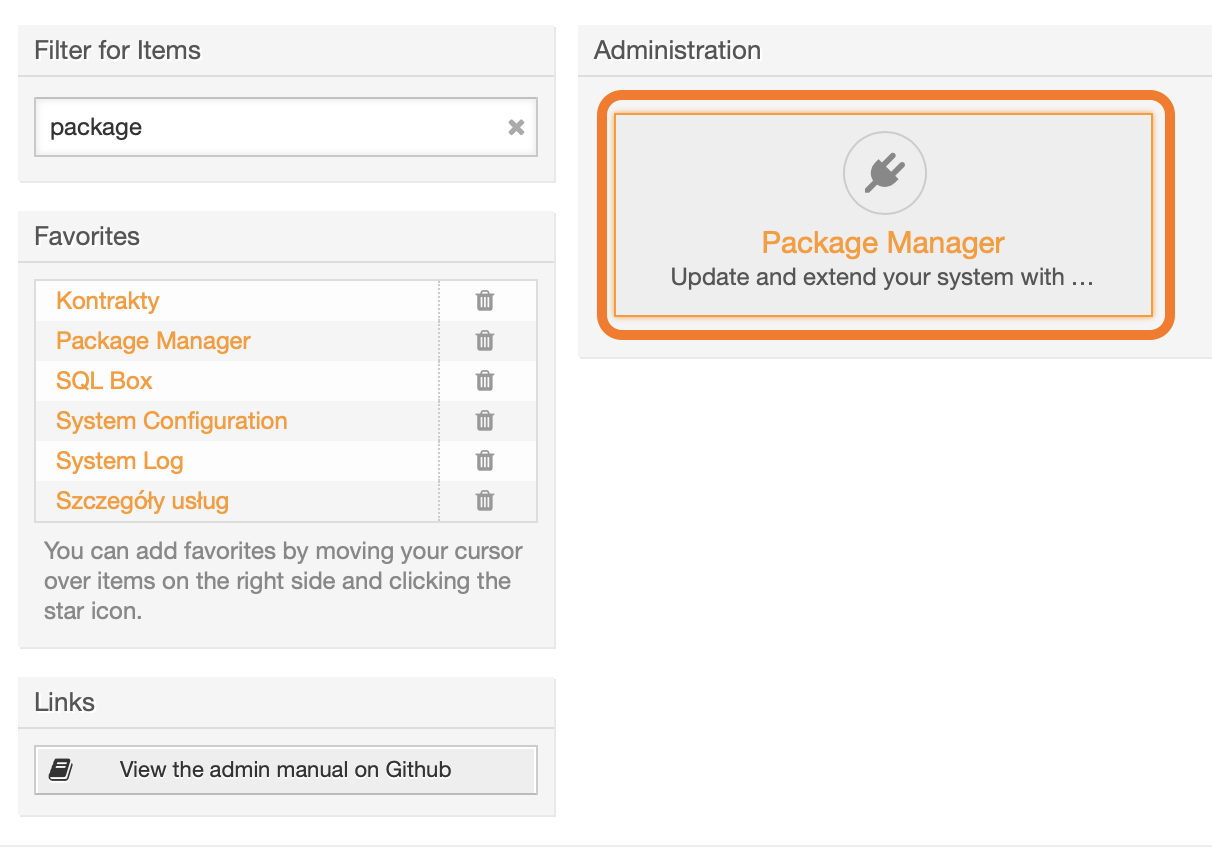
To install the package, login to your OTRS system and open the *Admin / Overview* page. [](https://docs.intalioservices.com/uploads/images/gallery/2020-04/tUVq6XcHp2xOcUfd-image-1586871001935.png) --- Find the Package Manager.You can use the **Filter for Items** field to narrow down visible options.
[](https://docs.intalioservices.com/uploads/images/gallery/2020-04/CEmLfHTOLr7IXzum-image-1586871252743.png) --- In the **Actions** block on the left, click *Choose file,* upload the **opm** file and click *Install Package*. [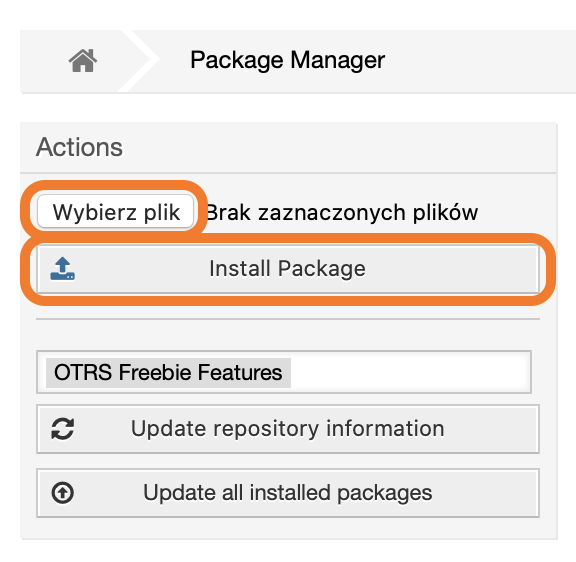](https://docs.intalioservices.com/uploads/images/gallery/2020-04/GbZd1cIKLUxBxxjH-image-1586871458563.png) If you see a notification about an unverified package, click Continue to proceed with the installation. ---If the installation was successful, you should see a welcome message on the screen.