# Form configuration - files

# File and directory structure

[![image-1590056140122.png](https://docs.intalioservices.com/uploads/images/gallery/2020-05/scaled-1680-/LuJRoyKix22j32By-image-1590056140122.png)](https://docs.intalioservices.com/uploads/images/gallery/2020-05/LuJRoyKix22j32By-image-1590056140122.png)

Excluding the files and directories necessary to operate the system (i.e. css, fonts, js, service-worker.js), the main application directory contains several elements that are of interest to us:

##### `/FORMS` directory

In this folder we will define and style all our forms.

##### `/styles` directory

files that allow you to configure the appearance of the form (changing colors, styling views, control buttons, etc.).

##### `/templates` directory

configuration files of each form

##### `config.json` file

list of active forms

##### `SystemConfig.json` file

Main system configuration, here you set communication with OTRS, default language and many more \[\[\[more in the Main configuration file - global settings\]\]\].

##### `manifest.json` file

This file is responsible for PWA settings (for more advanced users), if you are not an advanced user - leave it as it is.

##### `index.html` file

In this file you can change the title of the form page, you can change it by changing the text in the &lt;title&gt;&lt;/title&gt; attribute.

# Main configuration file - global settings

<p class="callout info">This topic refers to the file static/SystemConfig.json. </p>

##### Example configuration file:

```JSON
{
  "SystemUrl": "XSYSTEM_URLX", 
  "Alias": "XSYSTEM_ALIASX",
  "SystemUrl_DEV": "www.example.com/system"
  "ShowLangButton": true, 
  "LangButtonColor": "#333333", 
  "GlobalLang": "pl",
  "RedirectButtons": [
    {
      "color": "#333333",
      "label": "Moje zgłoszenia", 
      "redirectURL": "https://yahoo.pl" 
    },
    {
      "color": "#333333",
      "label": "Nowe zgłoszenie",
      "redirectURL": "https://google.pl"
    }
  ]
}
```

<p class="callout info">Description of individual values:</p>

`OtrsUrl/SystemUrl` - Address of the OTRS/OTOBO module that will accept the request  
`Alias` - Alias under which the forms will appear  
`ShowLangButton` - Should the language change button be visible (if we have only one language, we can hide it)  
`LangButtonColor` - Color of the language change button  
`GlobalLang` - Default form language (loaded by default, unless otherwise specified by OTRS configuration)  
`RedirectButtons` - Optional forwarding buttons

> Company Site is an additional redirection button  
> [![image-1590053365666.png](https://docs.intalioservices.com/uploads/images/gallery/2020-05/scaled-1680-/hEmPcuWdQNdQFXyk-image-1590053365666.png)](https://docs.intalioservices.com/uploads/images/gallery/2020-05/hEmPcuWdQNdQFXyk-image-1590053365666.png)
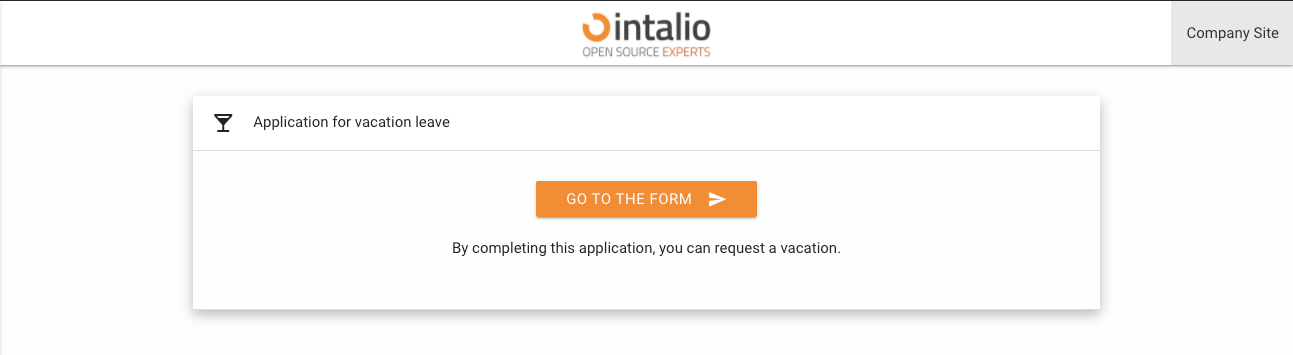
<p class="callout info">RedirectButtons parameters - this parameter counts an array with objects containing parameters  
<span style="text-decoration: line-through;">`show` - should the button be visible</span>  
`color` - color of the redirection button  
`label` - button caption  
`redirectURL` - forwarding address</p>

# File activating the form and setting the order in HUB

<p class="callout info">This topic refers to the file static/FORMS/config.json. </p>

```JSON
[
  "ExampleForm1.json",
  "ExampleForm2.json",
]

```

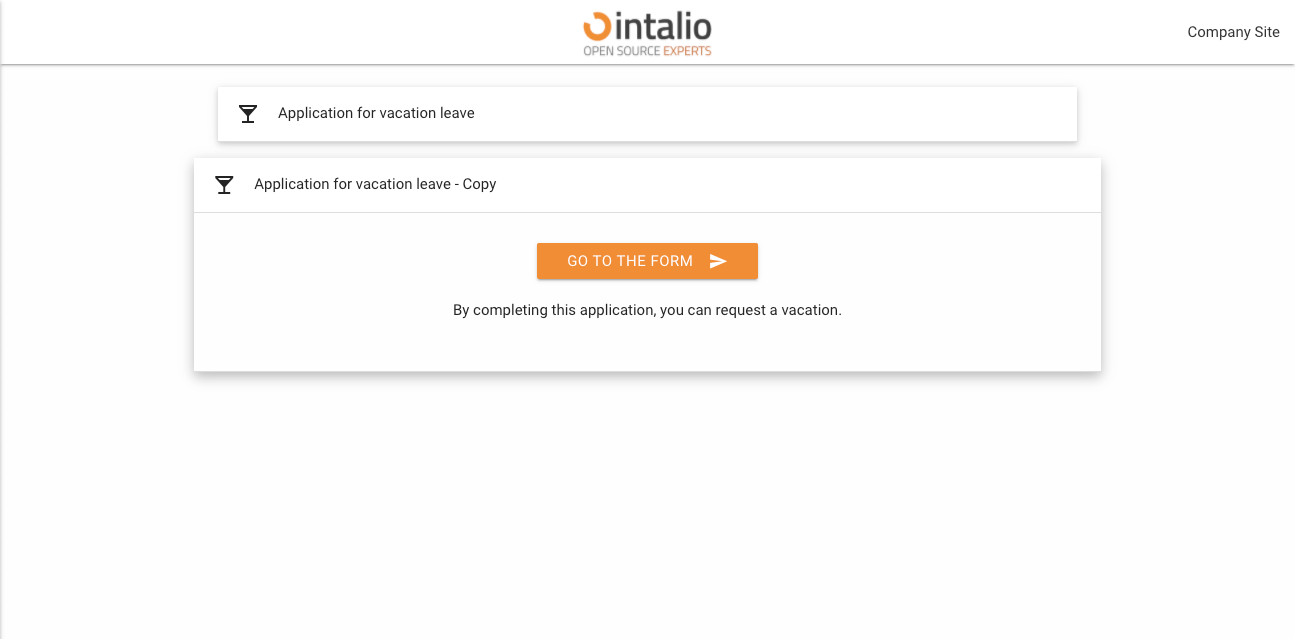
This file is responsible for form activation and the order of forms in the HUB.

<p class="callout warning">Every form you want to see in the menu must be entered here (even if it is hidden in the HUB).</p>

The order of the forms on the list corresponds to the order in the HUB.

[![image-1590064000995.png](https://docs.intalioservices.com/uploads/images/gallery/2020-05/scaled-1680-/bcxEGWRYMs1tePt4-image-1590064000995.png)](https://docs.intalioservices.com/uploads/images/gallery/2020-05/bcxEGWRYMs1tePt4-image-1590064000995.png)