Check out [this link](https://docs.intalioservices.com/books/conference-rooms---users-guide/page/how-to-get-to-the-conference-rooms "How to get to the Conference Rooms") if you don't know how to get to the dashboard.
[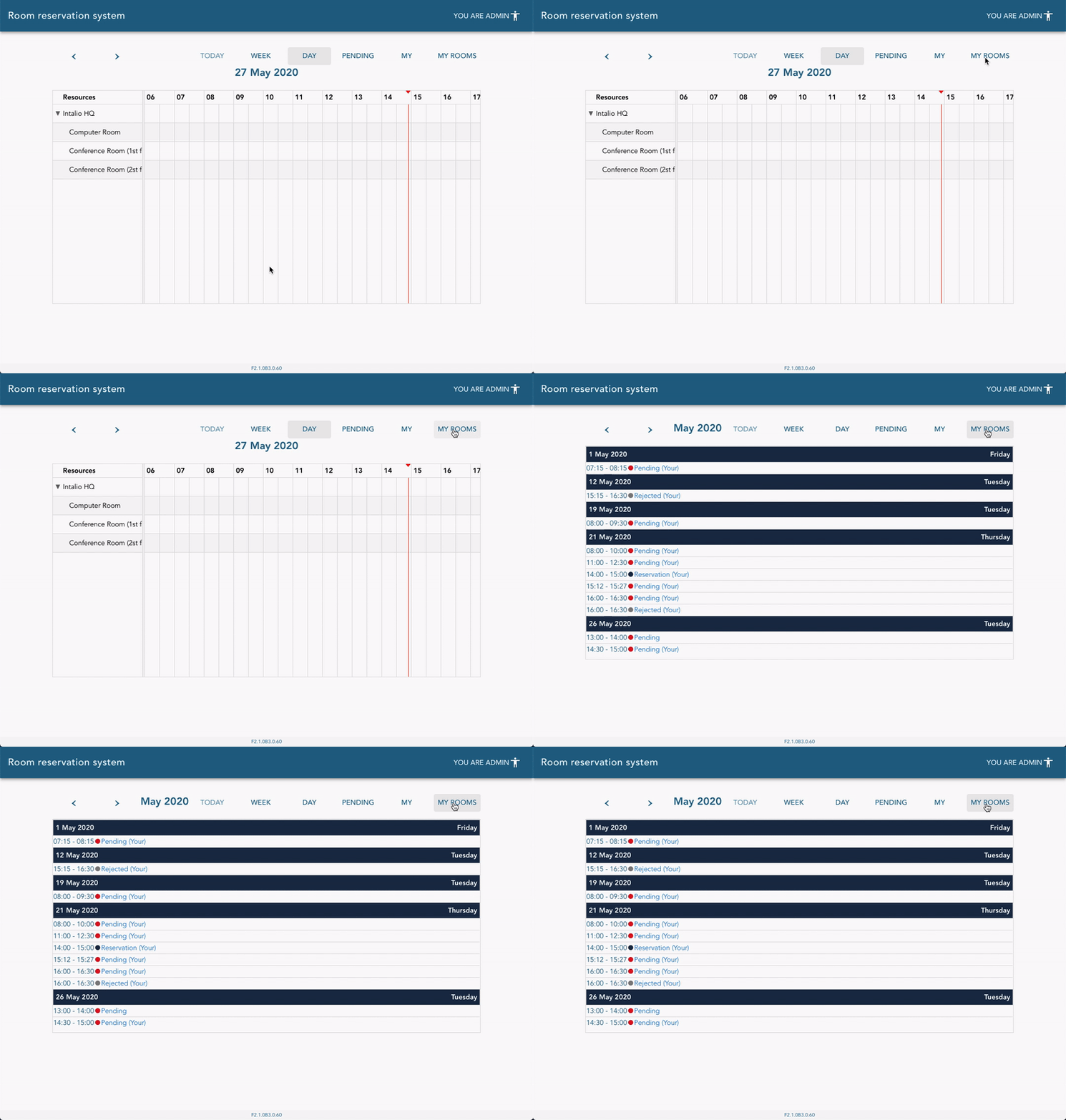](https://docs.intalioservices.com/uploads/images/gallery/2020-05/gCHPFumY2CBBErDe-image-1590584202553.gif) ### Taking action (accept, reject, release, edit) Go to the reservations details by clicking on the event in the calendar or a list. You will see available actions on the bottom of the details form.Action buttons visibility is strictly dependent on your current role and reservation state. [Read more about permissions here](https://docs.intalioservices.com/books/conference-rooms---users-guide/page/actions-and-permission "Actions and permission").
[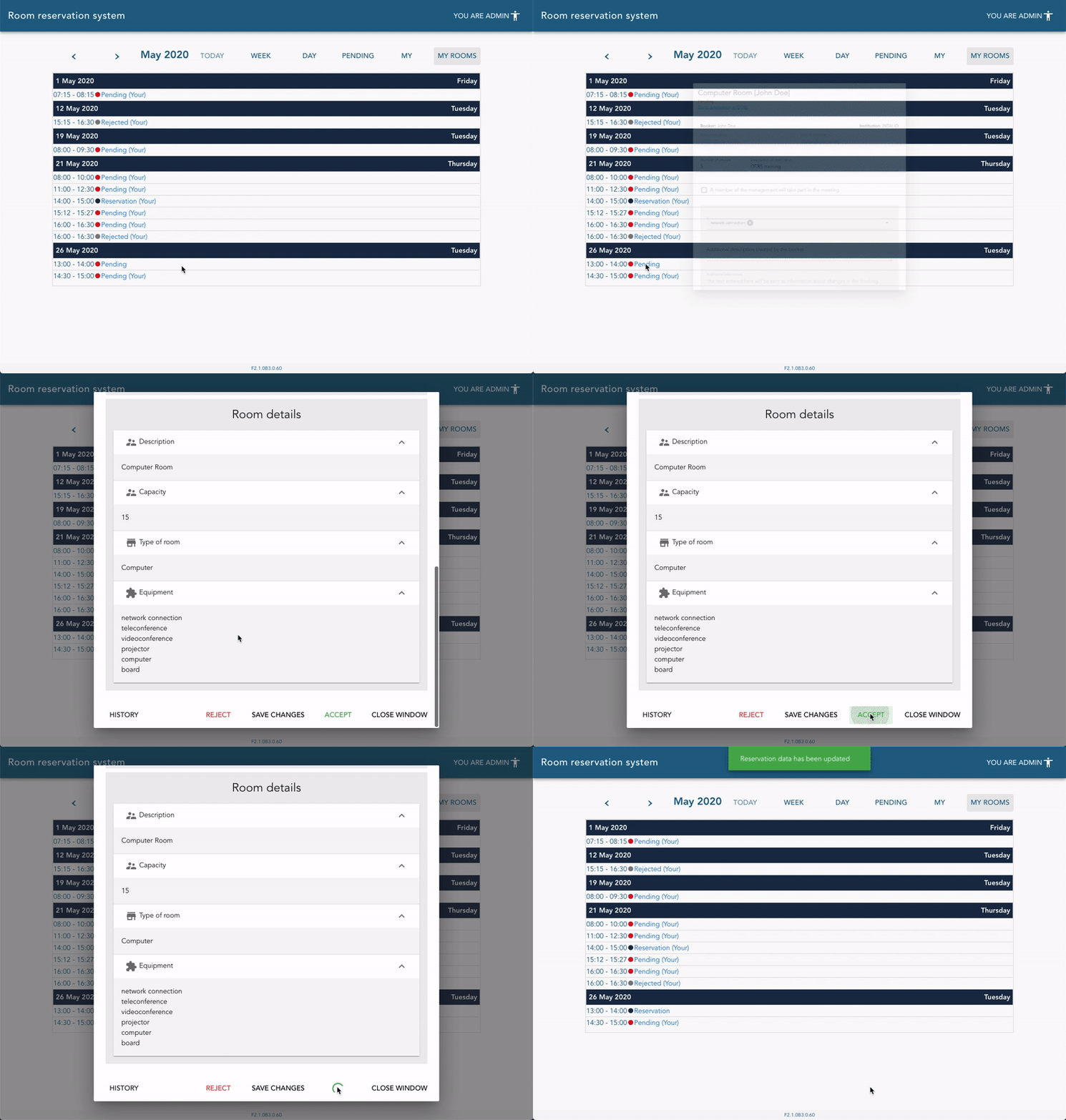](https://docs.intalioservices.com/uploads/images/gallery/2020-05/OTBNzT7CloG0Q0Qd-image-1590586020742.gif) # Viewing reservation history Every action on the reservation is saved in the reservation history including user notes. To check out the reservation history open the reservation details from the calendar or list view. You will find `HISTORY` button on the bottom of the screen near the rest of the possible actions. [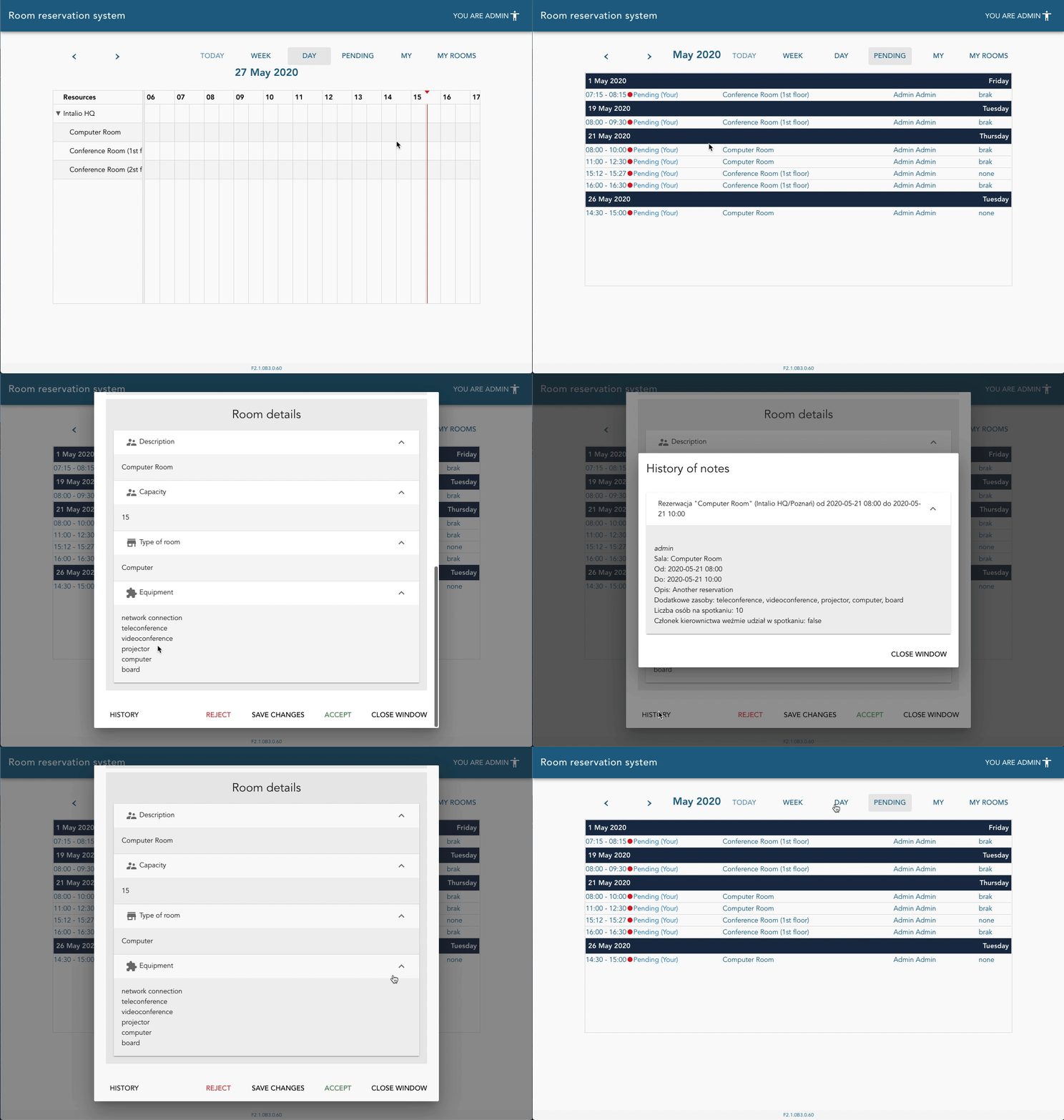](https://docs.intalioservices.com/uploads/images/gallery/2020-05/20OMD5b75Bfo9BE6-image-1590586440517.gif)